Bisq Exchange: Decentralized Bitcoin Trading Without KYC

Buy and sell bitcoin for fiat or other cryptocurrencies privately and securely through a decentralized peer-to-peer network. No registration required.

bisq.info is an independent guide to Bisq. We are not affiliated with or endorsed by the Bisq project. Our download links point to official project releases.

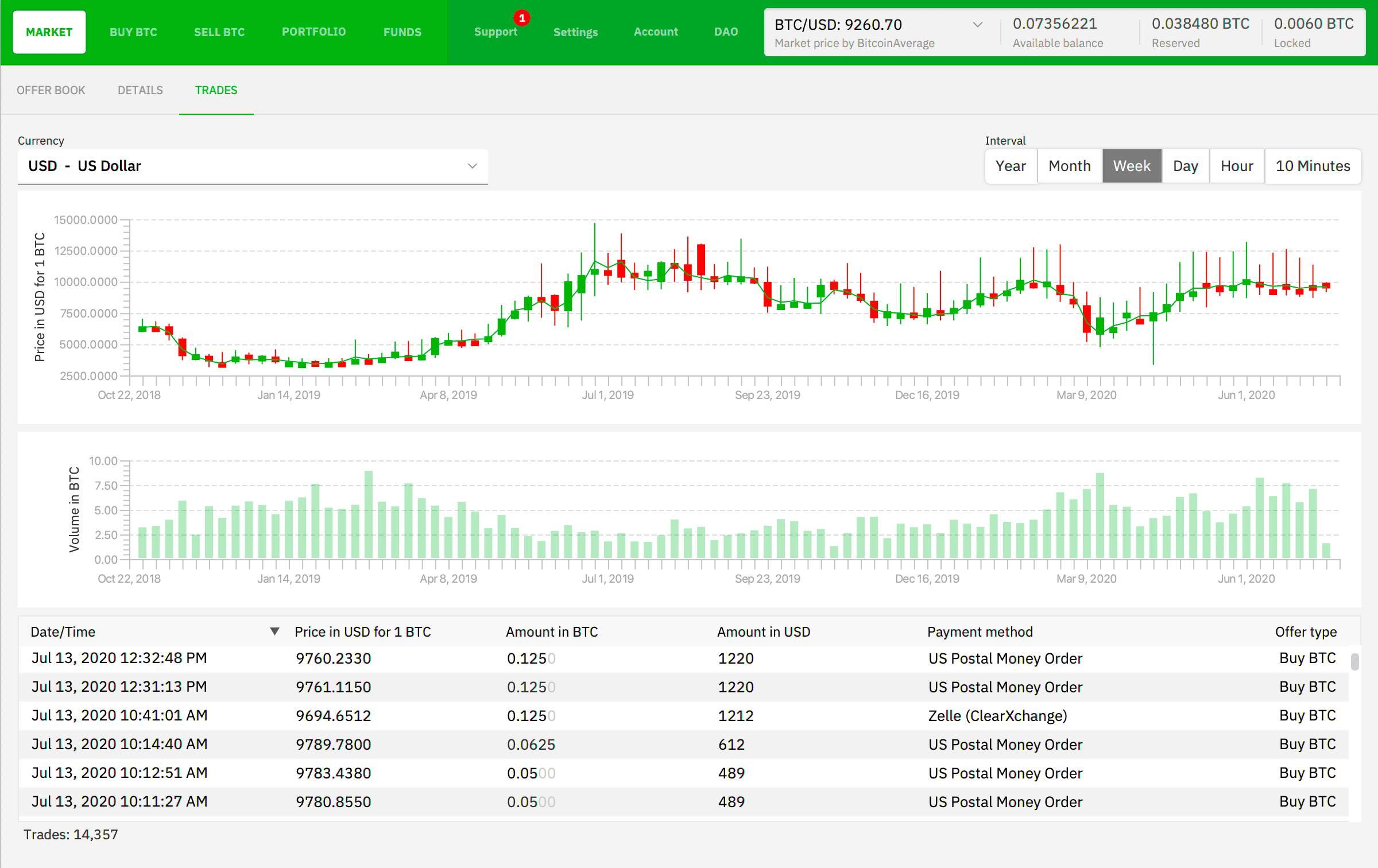
Bisq decentralized exchange trading interface

What Is Bisq?

Bisq is a decentralized peer-to-peer exchange where users can buy and sell bitcoin for fiat or other cryptocurrencies without registration or identity verification. Unlike traditional centralized exchanges, Bisq gives users more privacy, more control over their funds, and more independence. Bisq is available on both desktop and mobile devices.

Bisq 1 and Bisq Easy work differently. Bisq 1 requires BTC for a deposit and fees; Bisq Easy lets buyers start without a BTC deposit.

Why Bisq

No KYC

Trade without identity verification, long checks, or approval from centralized exchanges.

Decentralized

Trade via a global peer-to-peer network without depending on a centralized exchange to process trades.

Trade Protection

Bisq 1 uses security deposits and multisig. Bisq Easy relies on seller reputation. Review the rules and risks of your chosen protocol before trading.

Private

Your data and activity remain under your control, with no mandatory account registration or public profile.

How Bisq Works

1

Install the App

Download Bisq and launch the application on your computer.

2

Prepare for Your First Trade

Bisq 1 requires BTC for a security deposit and transaction costs. Buyers using Bisq Easy do not need an upfront BTC security deposit. Check the requirements for your chosen application before trading.

3

Start Trading

Buy and sell bitcoin directly with other users through a decentralized peer-to-peer network.

Bisq decentralized app startup and synchronization screen
Bisq wallet funding and available Bitcoin offers
Bisq peer-to-peer trading interface and order creation

Which Bisq App Should You Choose?

Not sure which app to install? Here’s what each Bisq application is for and what you need to get started.

Application
What it does
Before you start
Bisq 1 Windows · macOS · Linux
Desktop trading using the multisig protocol and security deposits.
You need BTC for the security deposit and transaction costs before trading.
Bisq 2 / Bisq Easy Windows · macOS · Linux
Includes Bisq Easy, a reputation-based protocol designed to help newcomers buy their first bitcoin.
Buyers do not need an upfront BTC security deposit. Review the seller’s reputation and the offer’s payment terms.
Bisq Easy Mobile Android
Use the Bisq Easy protocol directly from your phone.
This is a separate application from Bisq 1. Check the seller’s reputation and payment instructions.
Bisq Connect Android · iOS
Connect your phone to your own Bisq node or one hosted by someone you trust.
Requires a compatible node. It is different from the standalone Bisq Easy Mobile app.

Compare the offer price and any payment or network fees to see how much your purchase will cost.

Frequently Asked Questions

Bisq is a decentralized peer-to-peer Bitcoin exchange for private trading without mandatory registration.

Bisq does not require centralized identity verification to access its applications. However, your trading partner may receive identifying payment information when you pay through a bank or another payment provider. No KYC does not mean complete anonymity.

Bisq 1 uses security deposits and multisig, while Bisq Easy relies on seller reputation. Neither removes every risk. Verify downloads, review the offer and payment terms, and follow the instructions for your chosen application.

Bisq is suitable for users who need a private and decentralized alternative to traditional crypto exchanges.

Yes. Bisq Easy is designed to help buyers obtain their first bitcoin without an upfront BTC security deposit. Bisq 1 has different funding requirements. See our Windows walkthrough for buying your first bitcoin with Bisq Easy, with screenshots of the setup and offer review.

Use the official Bisq website or the official Bisq GitHub repositories, and follow the verification instructions for your chosen application. Our downloads page brings those official links together.